 Fielder's Choice
Make the Right Play
Welcome to Fielder's Choice Support. We are dedicated to providing the best gameplay experience for our fast-paced baseball simulation.
Gameplay Showcase
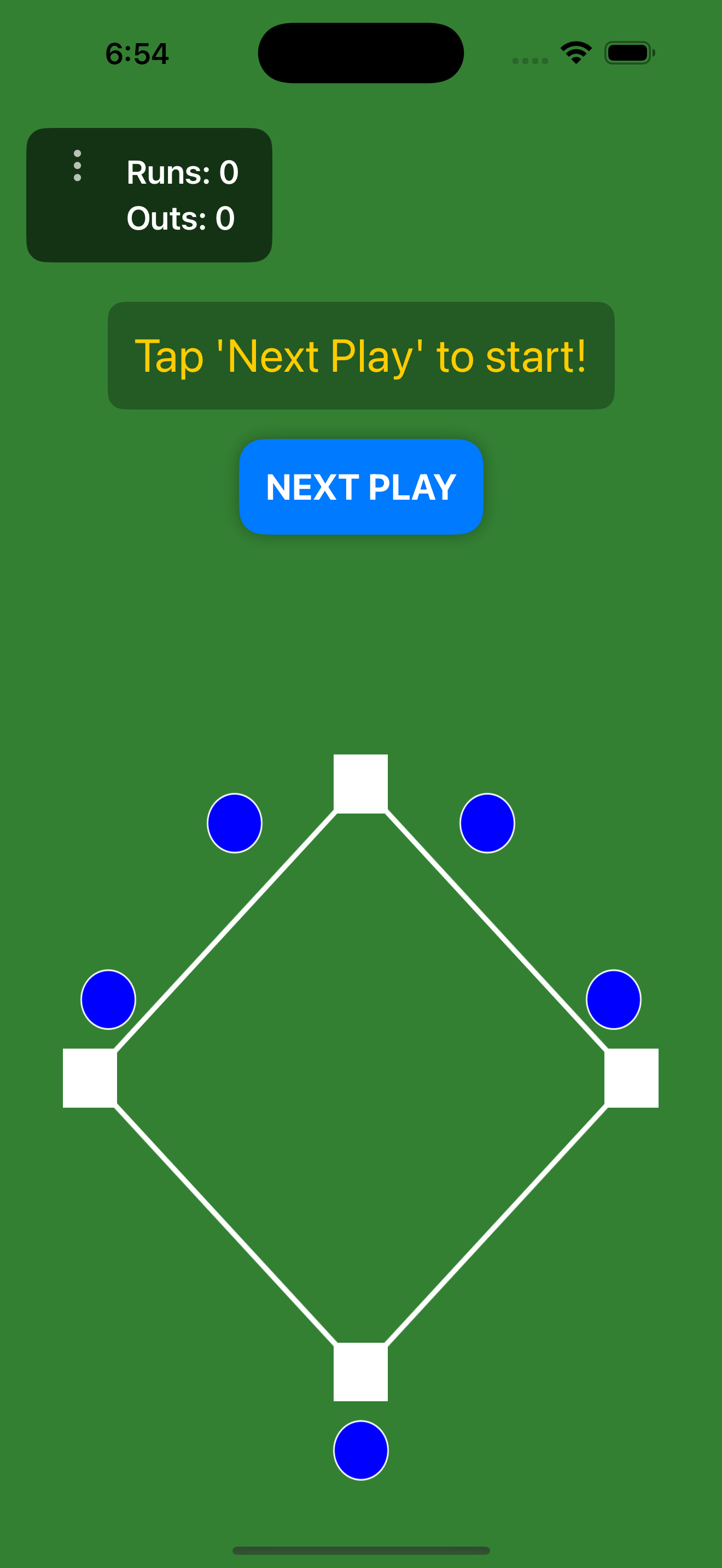
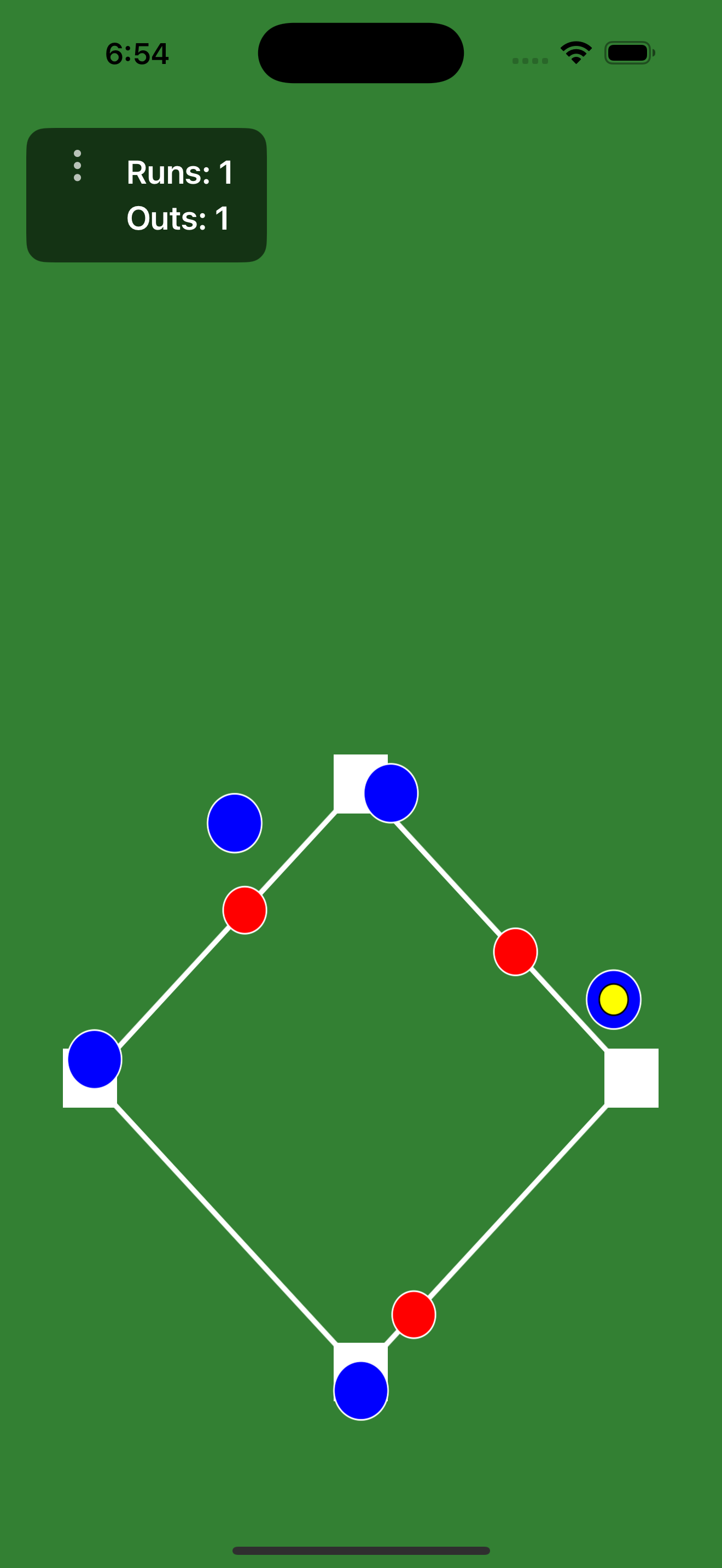
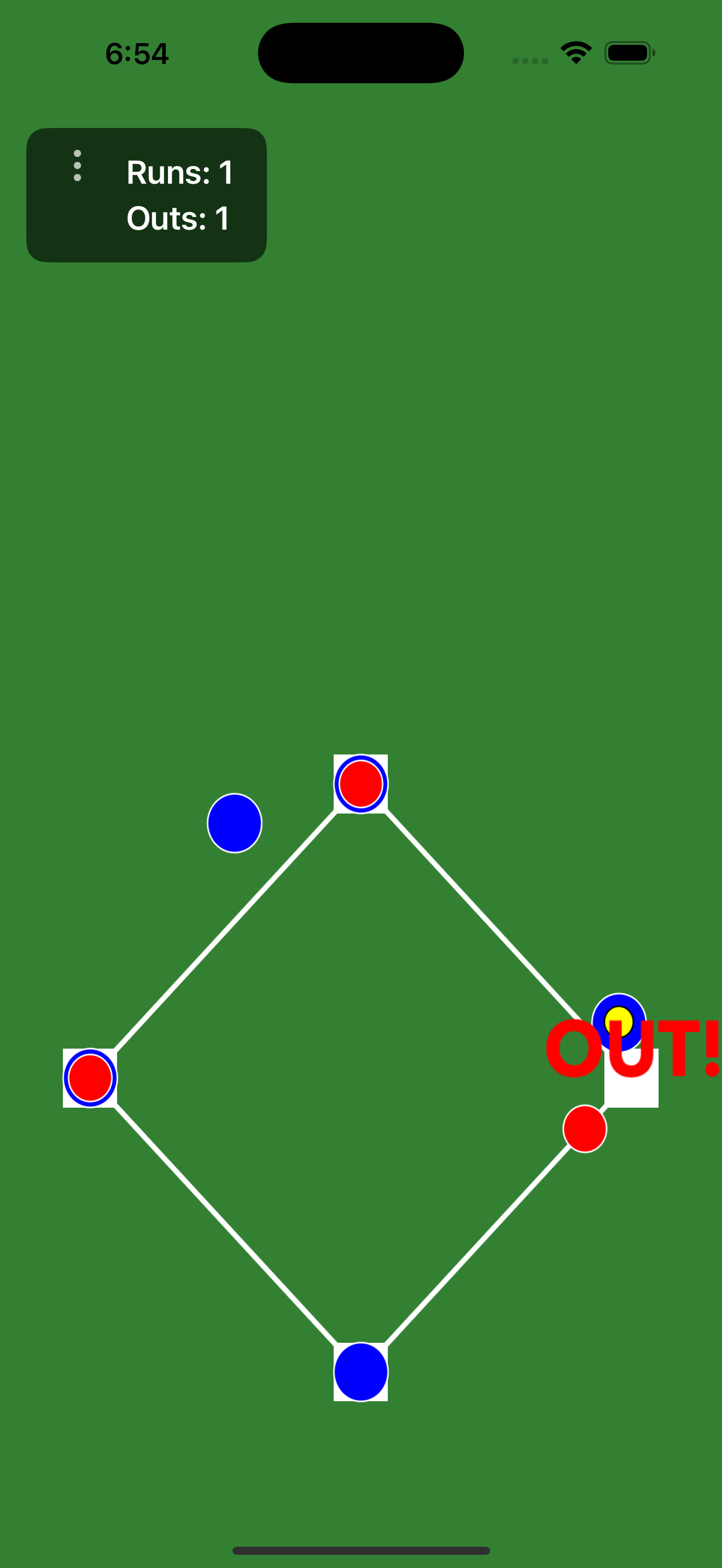
Quick Gameplay Tips
Responsive Controls & Touch Detection
To make defense fast and fluid, the game features generous touch detection zones. Simply swipe toward a base to throw the ball to it, or tap on a base to have the designated fielder run to cover it.
Making Throws & Backing Off
If a fielder throws the ball and another teammate is already covering the target base, the throwing fielder will automatically run back to cover their original position, keeping your defense perfectly balanced.
Rule Breakdown (FAQ)
How does a Force Play work?
A Force Out occurs when a runner is forced to advance (e.g., the batter running to first base). You only need to throw the ball to that base. If the fielder (or the ball) reaches the base before the runner, the out is recorded.
How does a Tag Play work?
When a runner is NOT forced (e.g., returning to a base or advancing on an unforced hit), a Tag Out is required. Your fielder must tag the runner directly with the ball, or throw the ball to the base with enough time to apply the tag before the runner arrives.
Need Help? Get in Touch
Experiencing an issue, have some feedback, or want to suggest new features? We'd love to hear from you. Send us an email and we'll get back to you as soon as possible.
Contact Support